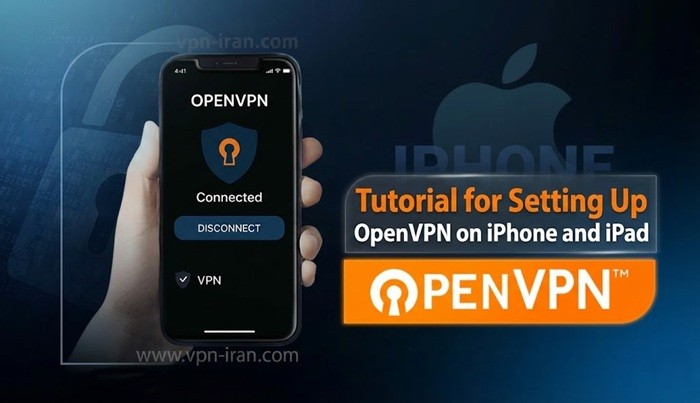
To use OpenVPN on iPhone, you must first install the program on your phone.
Attention: Please continue the tutorial; most users refer to support as soon as they download the software, please continue the tutorial carefully until the end.
Download the configuration file based on your subscription type from the link below.
- Download s1 server configuration file (Click here)
- Download s2 server configuration file (Click here)
- Download sbank financial server configuration file (Click here)
After receiving the file, open it and share the file with the OpenVPN software using the top right button.

3.After the configuration file opens in the app, select the Add option

4.1: In the Username section, enter the username received from the store. 4.2: Select the Save password option and in the Password section, enter the password received from the store.

4.3 : Select the Add option at the top of the page. If you see the VPN creation message, select the Allow option. And that’s it! You are now connected to the Iran IP: