How to Connect to an Iranian IP on Windows Using OpenConnect

After purchasing an account, first download the OpenConnect application for Windows from the link below: Download OpenConnect via direct link Then, follow the installation and connection steps for OpenConnect on Windows step-by-step according to the guide below: Step One: After downloading the file, open it and click Next. Step Two: Click on the I Agree […]
How to Connect to an Iranian IP on macOS Using Cisco AnyConnect

After purchasing a VPN, to connect via Cisco on Mac, you must first download the Cisco AnyConnect client from the links below: Direct download for Sequoia and new macOS updates Direct download for Mavericks version Direct download for other versions After downloading the program, you need to install it on your Mac and then run […]
How to Connect to an Iranian IP on macOS Using OpenVPN

To use OpenVPN on Mac, you must first download and install the program. This file will be usable on Yosemite, El Capitan, Sierra, High Sierra, Mojave, Catalina, Big Sur, and Monterey versions. Download software Download the configuration file based on your subscription type from the link below. Download s1 non-financial server configuration file (Click here) […]
How to Connect to an Iranian IP on iPhone and iPad Using OpenVPN

To use OpenVPN on iPhone, you must first install the program on your phone. Download file from App Store Attention: Please continue the tutorial; most users refer to support as soon as they download the software, please continue the tutorial carefully until the end. Download the configuration file based on your subscription type from the […]
How to Connect to an Iranian IP on Android Using OpenVPN

In this step-by-step guide, the stages of activating OpenVPN software on Android devices are described from beginning to end. In the first step, you must download and install the OpenVPN application from the Google Play Store or through the provided direct link. Then, depending on your subscription type non-financial or financial server—you will receive one […]
How to Connect to an Iranian IP on Windows 8 and Above Using OpenVPN

In this step-by-step guide, we have explained how to set up and activate OpenVPN software on Windows 8 and above systems from beginning to end. First, you must download and run the OpenVPN installation package suitable for your Windows version from the provided link. After the successful installation of the program, depending on the subscription […]
How to Connect to an Iranian IP on Windows 7 Using OpenVPN

To set up OpenVPN on Windows 7, first you must download and install the software’s installation package from the provided link. After installation, it is time to receive the configuration files; depending on your subscription type (non-financial server or financial server), download one of the s1, s2, or sbank files. These files include the necessary […]
Customer Reviews of IP Iran

In this article, we present a collection of reviews from customers using our company’s Iran IP. Please send us your feedback so we can display it to our users.
How to Connect to an Iranian IP on iPhone Using Cisco AnyConnect
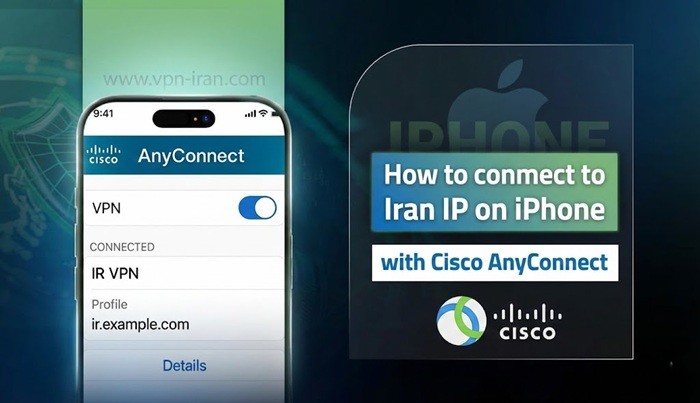
To connect to an Iran IP using Cisco AnyConnect on iPhone, first you must download and install the official app of this service from the App Store. After opening the app, by accepting the welcome message (“OK”), you will be transferred to the main page. In the next step, you must enter the settings section […]
Android Setup Guide: Connecting to Iran IP via OpenConnect

To ensure a seamless setup, please follow the steps outlined below. Important: Before connecting, make sure your phone’s keyboard language is set to English. 1.Download and Install: First, download the OpenConnect app from the links below and install it on your device. Download from Google Play Store Direct APK Download 2.Open the App: Once the […]
Guide to Connecting to an Iranian IP on Windows via Cisco

1. Download the AnyConnect application for Iran VPN. (Click here to download) 2. Open and install the file Cisco-AnyConnect_VPN-IRAN.COM.msi. 3.After installation, open Cisco AnyConnect Secure Mobility Client from your Windows programs list. 4. Click the gear icon in the bottom-right corner of the application to open Settings, then uncheck the option Block connections to untrusted […]
Tutorial on connecting to an Iranian IP on iPhone using the L2TP method

In this step-by-step guide, you’ll learn how to activate an L2TP connection on Apple devices (iPhone and iPad) in the simplest possible way. First, go to Settings and select General, then open the VPN section. Next, add a new VPN configuration and choose L2TP as the connection protocol. You will then enter the appropriate server […]